The Only Comprehensive and Customizable Macro Solution
More than just a Gaming Macro
Downloaded over 6 million times on SourceForge and rapidly growing!
More than just a Gaming Macro
Downloaded over 6 million times on SourceForge and rapidly growing!
In TGMacro, every individual operation within a macro is called an action. For example, moving the mouse, clicking, or pressing a key on the keyboard are all considered actions.
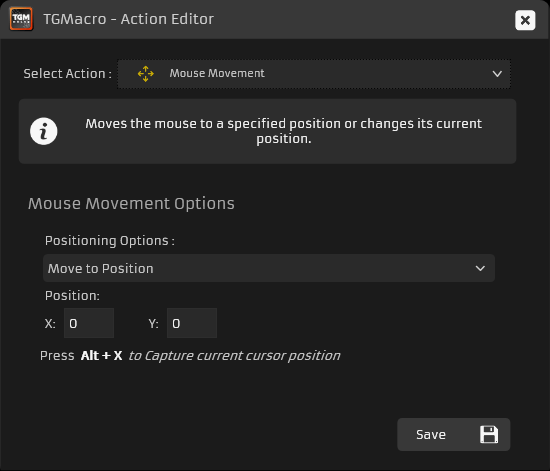
Mouse Movement
With this action, you can move your mouse to a specific point on the screen or shift it by a certain amount on the X or Y axis from its current position.
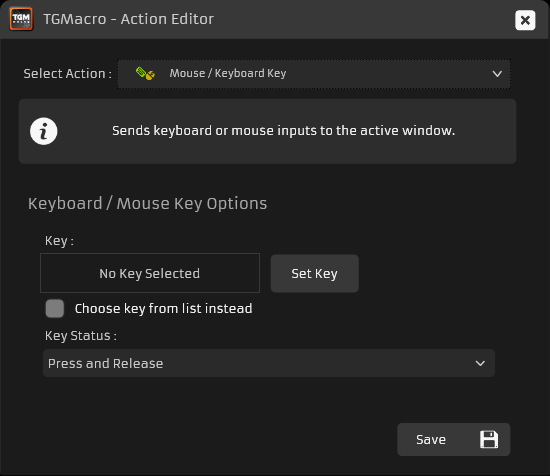
Mouse / Keyboard Key
This action lets you send mouse clicks or keyboard keys/combinations to the active window.
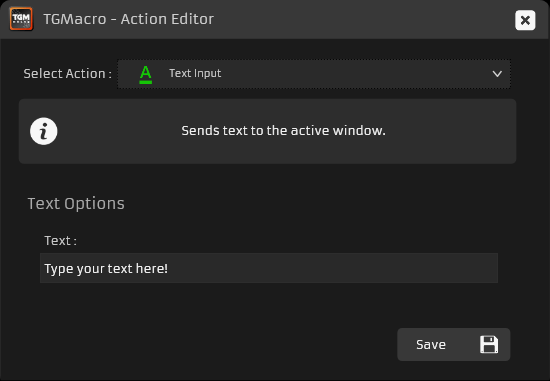
Text Input
This action types a string of text into the active window. TGMacro breaks the text into key presses and sends them sequentially.
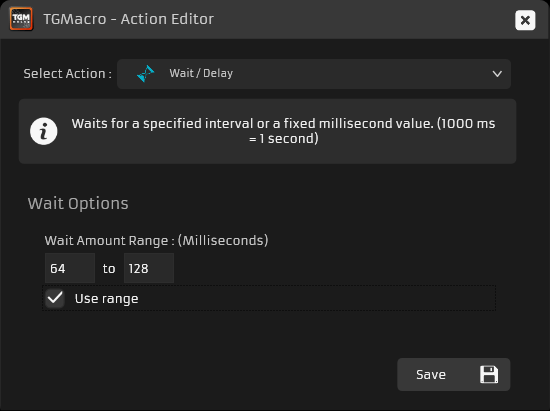
Wait / Delay
Use this action to add a pause between actions in milliseconds. If you set a range, for example 64–128 ms, the macro will wait a random time between 64 ms and 128 ms each time.
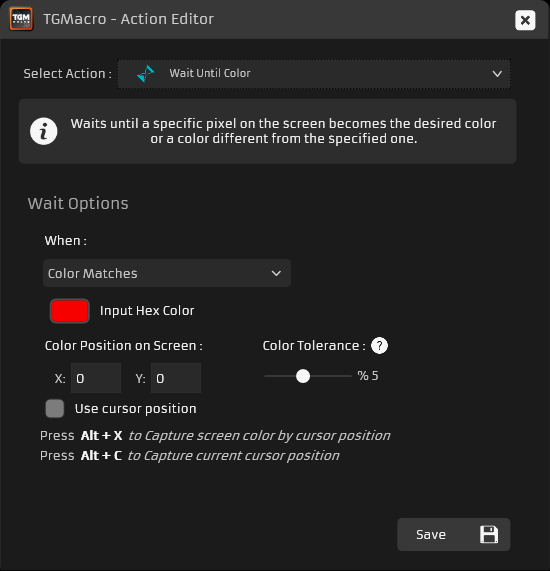
Wait Until Color
Similar to the Color Trigger, this action waits until the selected color appears or disappears at a screen point or under the mouse pointer, using the same parameters as the Color Trigger.
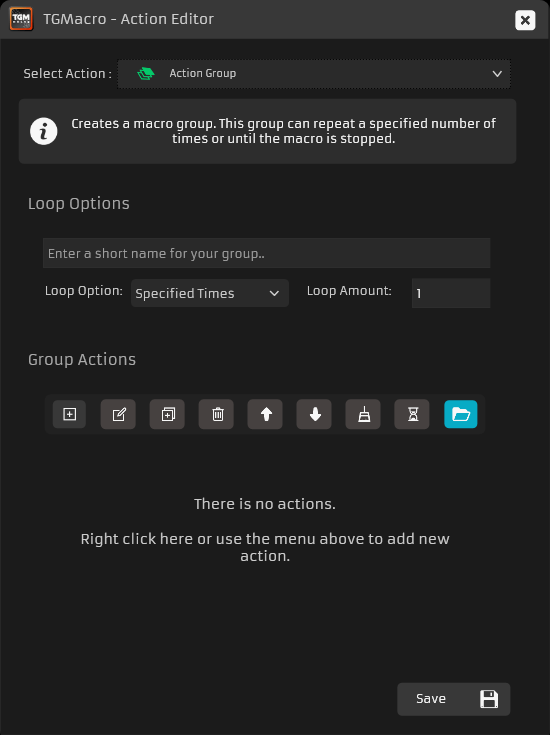
Action Group
This action lets you group multiple actions and repeat them a set number of times or until the macro is stopped.
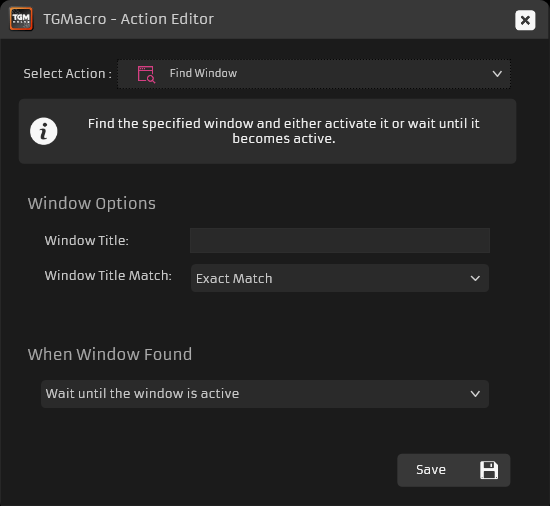
Find Window
With this action, you can wait for a window to become active based on its title or make a specific window active. You can set exact match or partial match, and searches are not case-sensitive.
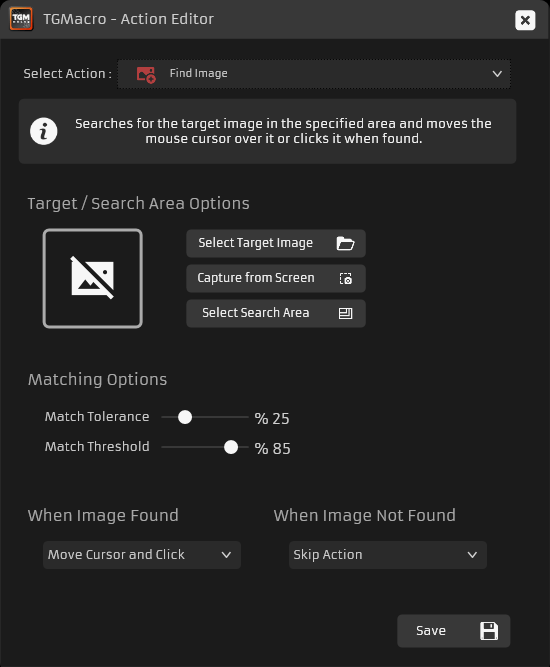
Find Image
This action searches for an image (max 100×100 px) in a selected area of the screen. When found, you can move the pointer to it or click on it.
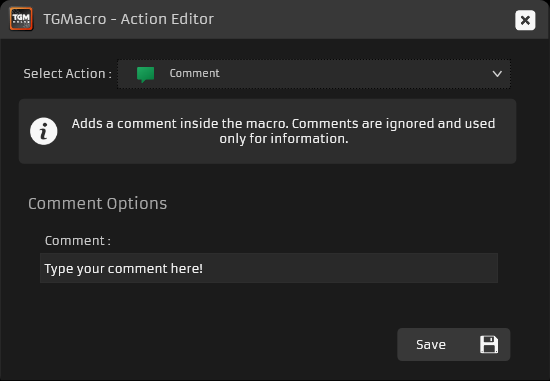
Comment
This action is for adding notes within your macros and does not perform any function.